Torque Drift is one of the most popular drift-based racing simulation games available for PC, offering realistic driving physics, smooth controls, stunning graphics, and competitive multiplayer battles. If you’re searching for a free-to-play drifting game, Torque Drift is a must-try title that keeps growing due to its esports tournaments, custom car builds, and an active online community.
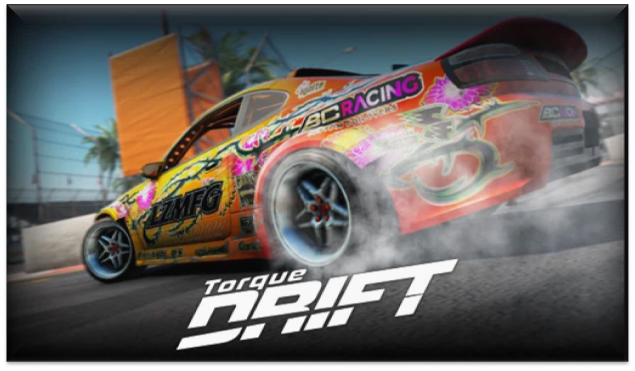 This detailed guide covers everything you need:
- Gameplay review
- Features & rating
- Updated PC requirements
- Maximum performance settings
- Step-by-step installation guide
What is Torque Drift PC Game? (Overview)
Torque Drift is a free drifting simulator developed by Grease Monkey Games, known for its advanced car physics and real-world drifting mechanics. The game focuses entirely on the drifting culture – from burning tires to engine tuning, vinyl wrapping, team battles, and professional drifting competitions.
It offers:
- Realistic smoke physics
- Licensed real-world cars
- Competitive drift battles
- Smooth steering controls
- Career mode + online multiplayer
- Deep tuning and customization
Thanks to its high engagement and global search volume, Torque Drift is trending among PC players who enjoy simulation racing.
Torque Drift Gameplay Review
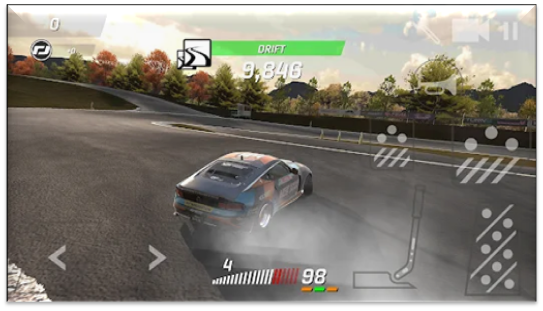
Torque Drift delivers one of the smoothest drifting experiences in the racing game genre. Whether you use a keyboard, controller, or racing wheel, the handling feels responsive and natural.
1. Drifting Mechanics
- Realistic weight shifting
- Handbrake control
- Tire grip simulation
- Steering angle adjustments
- Real smoke and burnout effects
The drifting is not arcade-style; it rewards skill, throttle control, and proper entry angles.
2. Graphics & Visual Effects
The game features:
- HDR lighting
- Reflective body paint
- Detailed car interiors
- Dynamic shadows
- Realistic smoke clouds
- Even on mid-range PCs, Torque Drift runs smoothly with optimized settings.
3. Multiplayer & Online Competitions
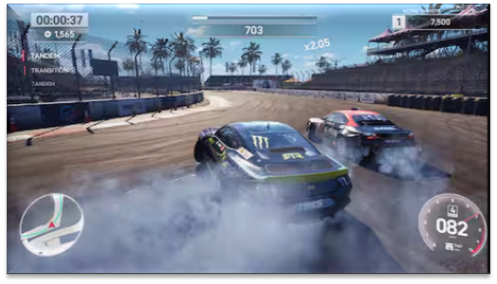
You can join online lobbies, participate in tournaments, or create a drift team with friends. Drifting battles feel competitive, and leaderboards update in real time.
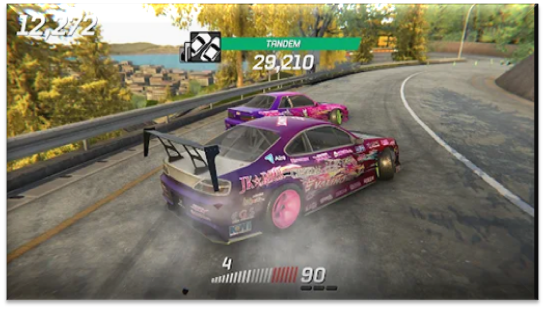
4. Car Customization
One of the strongest aspects of Torque Drift. Customize:
- Engines
- Tires
- Suspension
- Wraps
- Paint
- Boost kits
- Rims and body kits
Car building feels unlimited and addictive.
Torque Drift Rating (2025)
Based on gameplay quality, optimization, and community reviews:
- Gameplay 4.7/5
- Graphics 4.4/5
- Controls 5/5
- Multiplayer 4.6/5
- Car Customization 5/5
- Overall 4.7/5
Torque Drift continues to be one of the highest-rated drifting games on PC.
Torque Drift PC System Requirements
Minimum Requirements
- OS: Windows 7 / 8 / 10 / 11
- Processor: Intel Core i3 or equivalent
- RAM: 4 GB
- Graphics: Nvidia GTX 750 / AMD Radeon HD 7870
- Storage: 6–8 GB
- DirectX: Version 11
Recommended Requirements
- OS: Windows 10 / 11
- Processor: Intel Core i5 / Ryzen 5
- RAM: 8 GB
- Graphics: GTX 1050 Ti / RX 570 or better
- Storage: 8 GB SSD recommended
- DirectX: Version 12
How to Install Torque Drift on PC (Step-by-Step Guide)
Step 1: Visit Steam Open Steam Store and search for Torque Drift.
Step 2: Add to Library Click Add to Library (the game is free-to-play).
Step 3: Download Game Files Steam will download 7–8 GB of data.
Step 4: Install & Verify Click Install and allow automatic file verification.
Step 5: Launch & Configure Settings
- Set graphics to Medium or High
- Calibrate your controller or wheel
- Adjust sensitivity for smooth drifting
- Enable motion blur for realistic visuals
Step 6: Start Career Mode
Begin with beginner drift tracks and unlock more cars as you progress.
Should You Play Torque Drift?
Yes—if you love drifting, car tuning, and competitive online battles, Torque Drift is one of the best free PC drifting games available today. The graphics are solid, the physics are impressive, and the customization options are endless.